Gain and grain. Push it up for brighter images and rougher texture.
Analog camera · Android
Shoot like it’s film.
Sooc is a film camera app for Android. Load a roll, set ISO, aperture and shutter, and every frame is developed with the look of the film you chose — nearly 200 to pick from.
COMING SOON ONGoogle Play See all features
- 12 · 24 · 36 exposures
- ~200 film looks
- Custom LUTs
- Works offline
- No ads
~200built-in films
3real dials
36frames per roll, max
0ads or trackers
How it works
Three dials. One decision at a time.
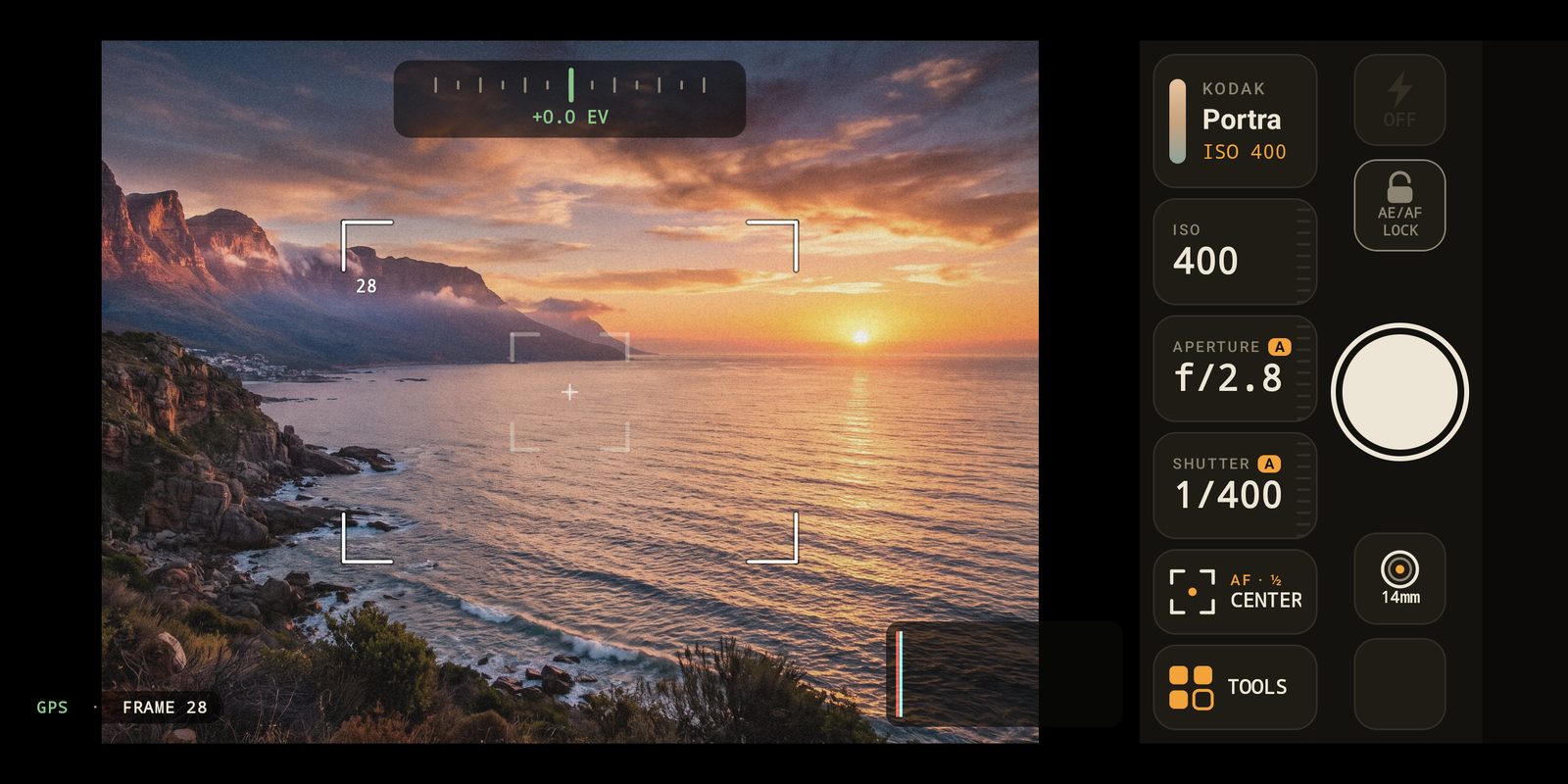
No menus buried three levels deep: everything sits in a control bar on the right.
Vignette and background blur: open wide for a shallow depth of field.
From 1/4000 s to 15 s, with real long exposures stacked from many frames.
AUTO on any dial: the app keeps the exposure right and the needle of the light meter at zero.
- Load a rollPick a film, then 12, 24 or 36 frames. It is engaged: one film until the roll is full.
- ShootFrame, half-press to focus, release. The negative is kept and the photo is developed at once.
- Review the contact sheetSee the whole roll as a contact sheet, re-develop it with another film, add notes, map it.
In the viewfinder
What you see is what you get.
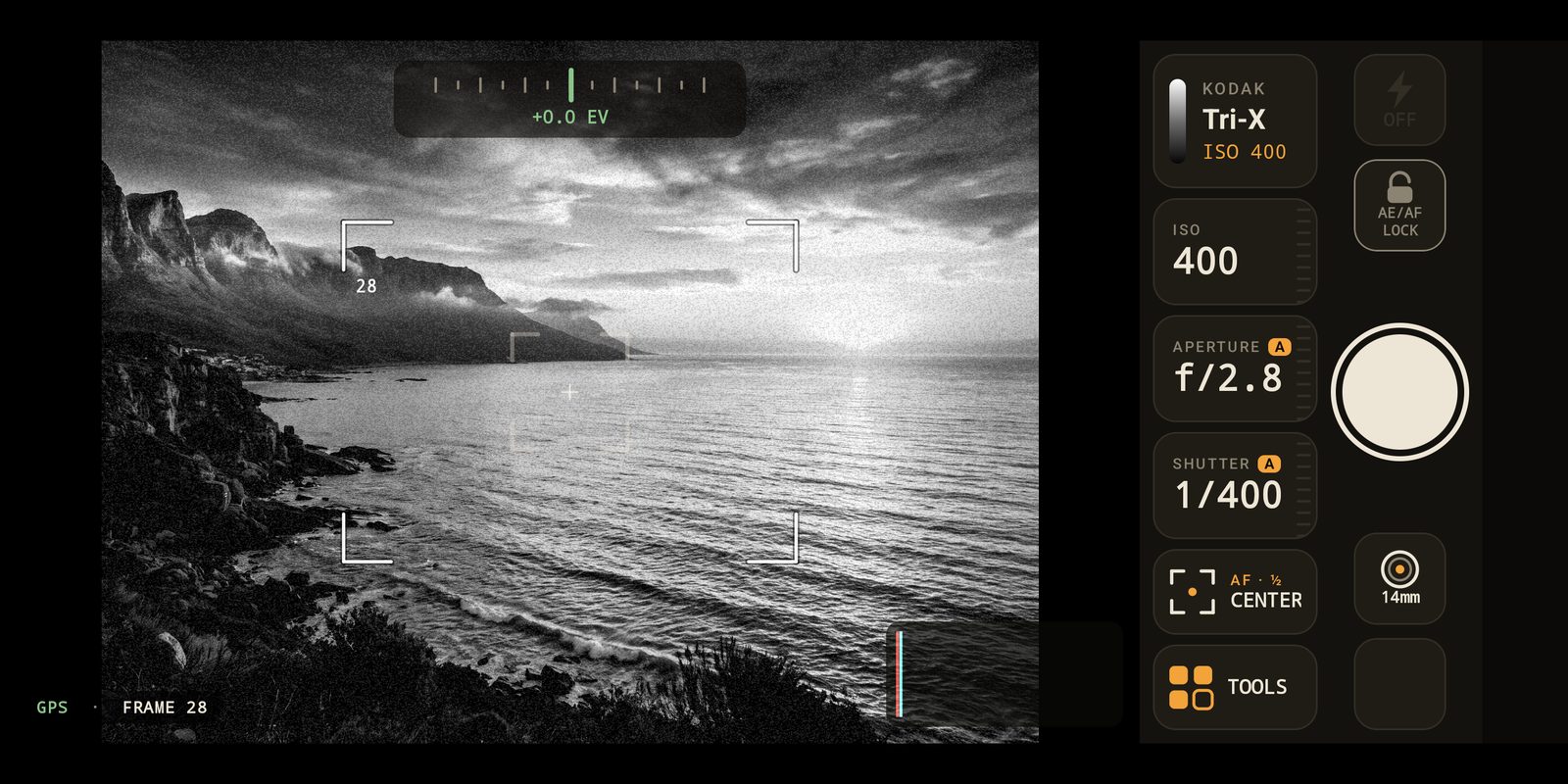
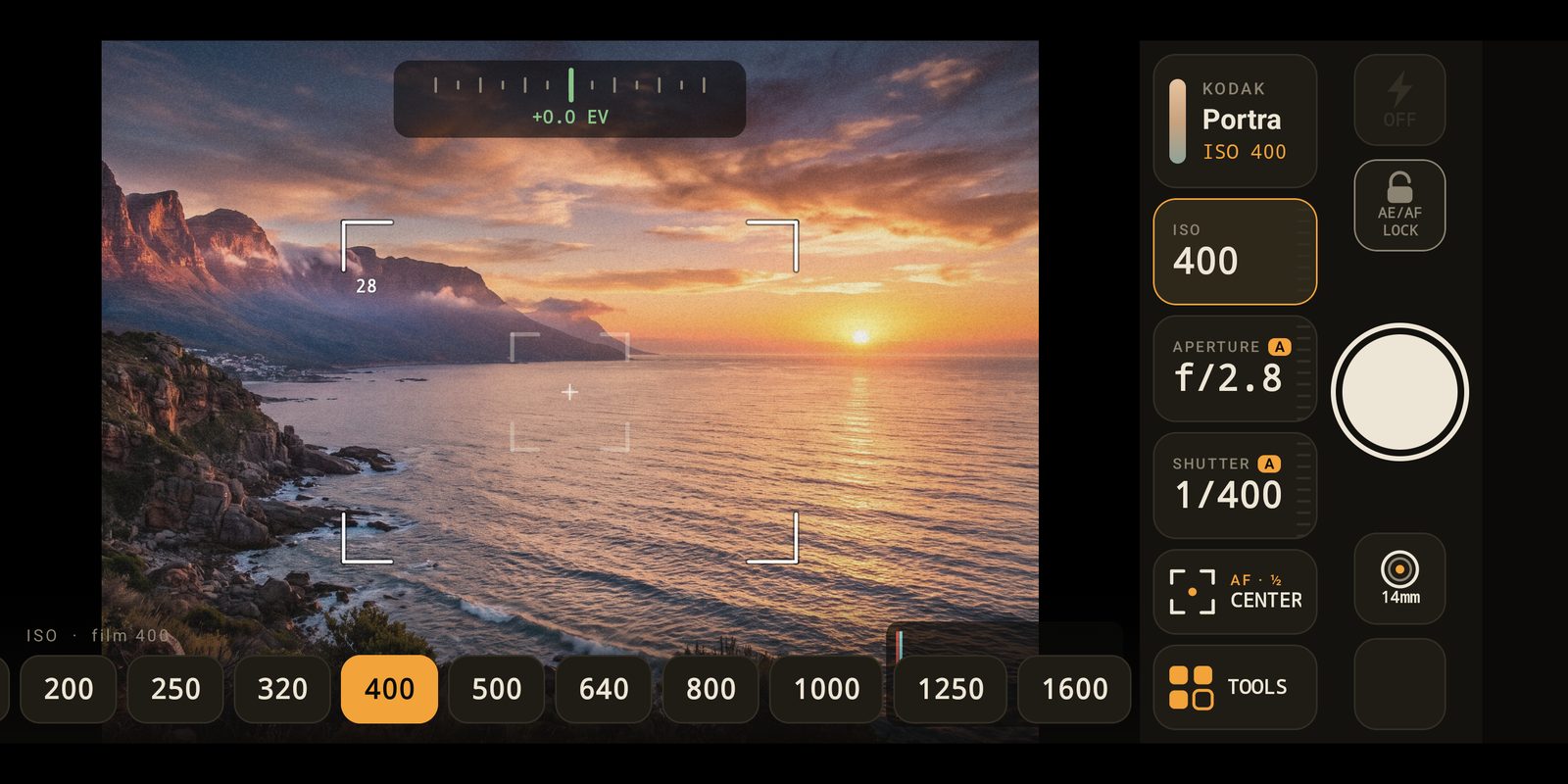
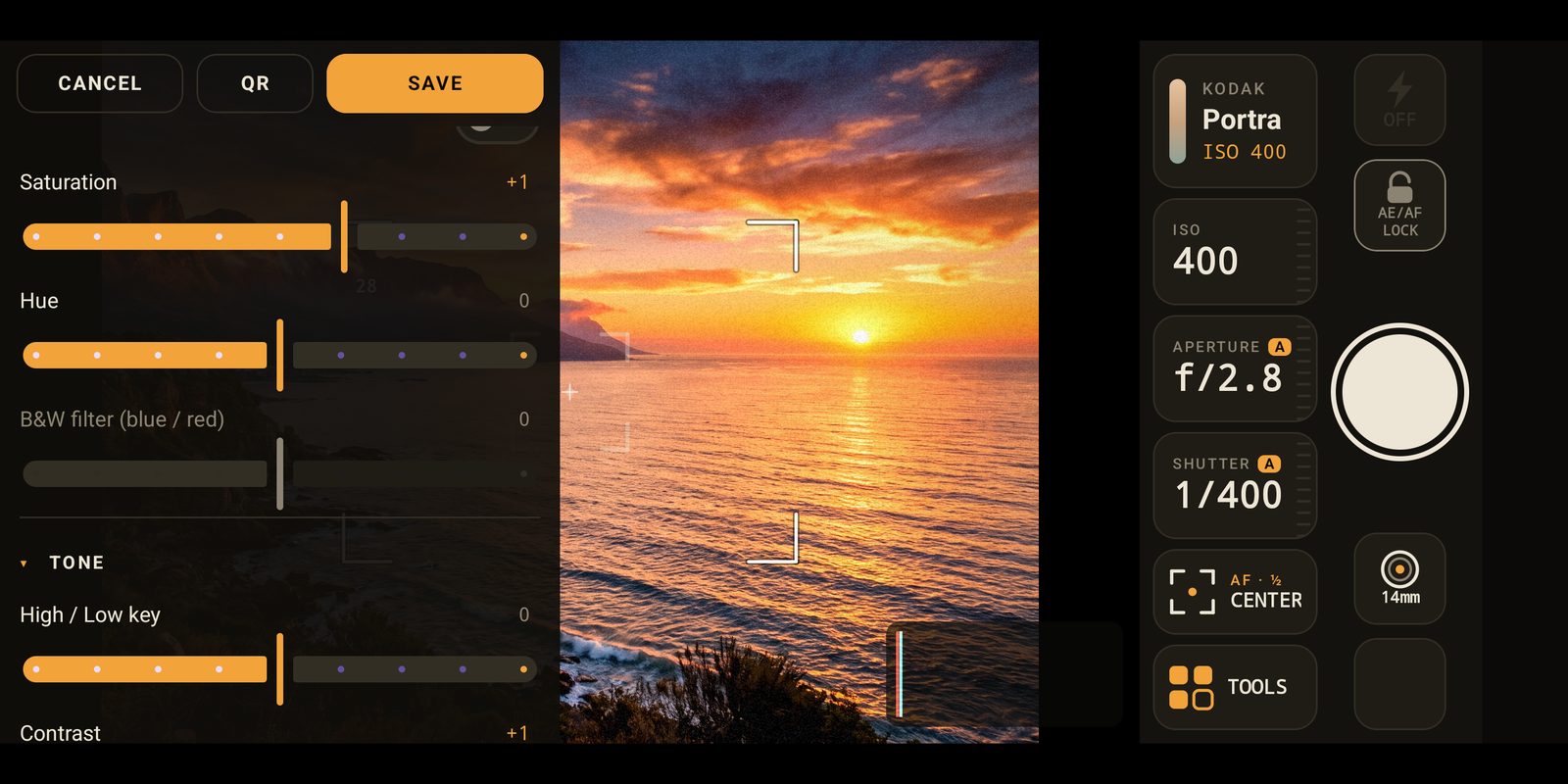
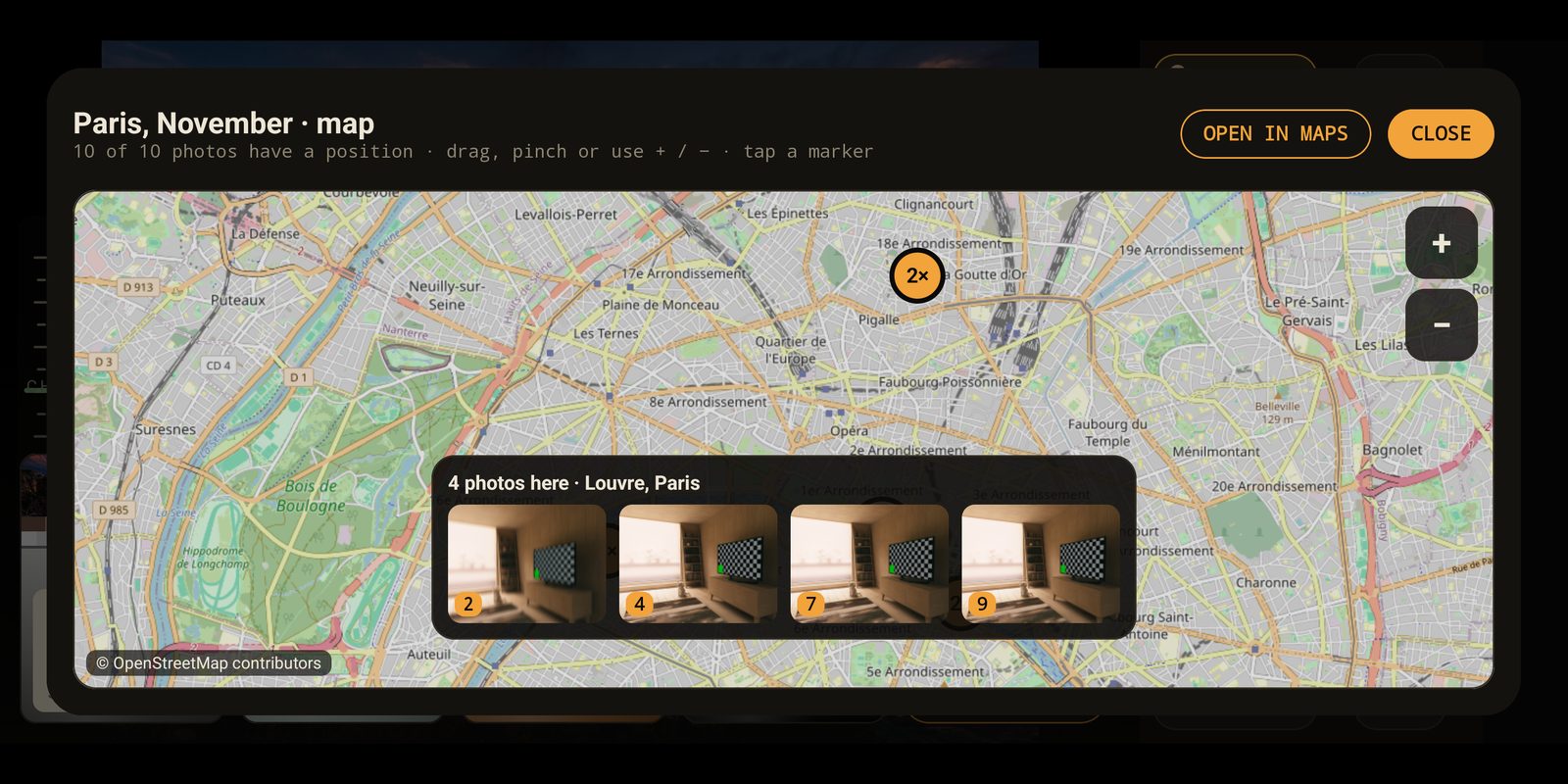
Films
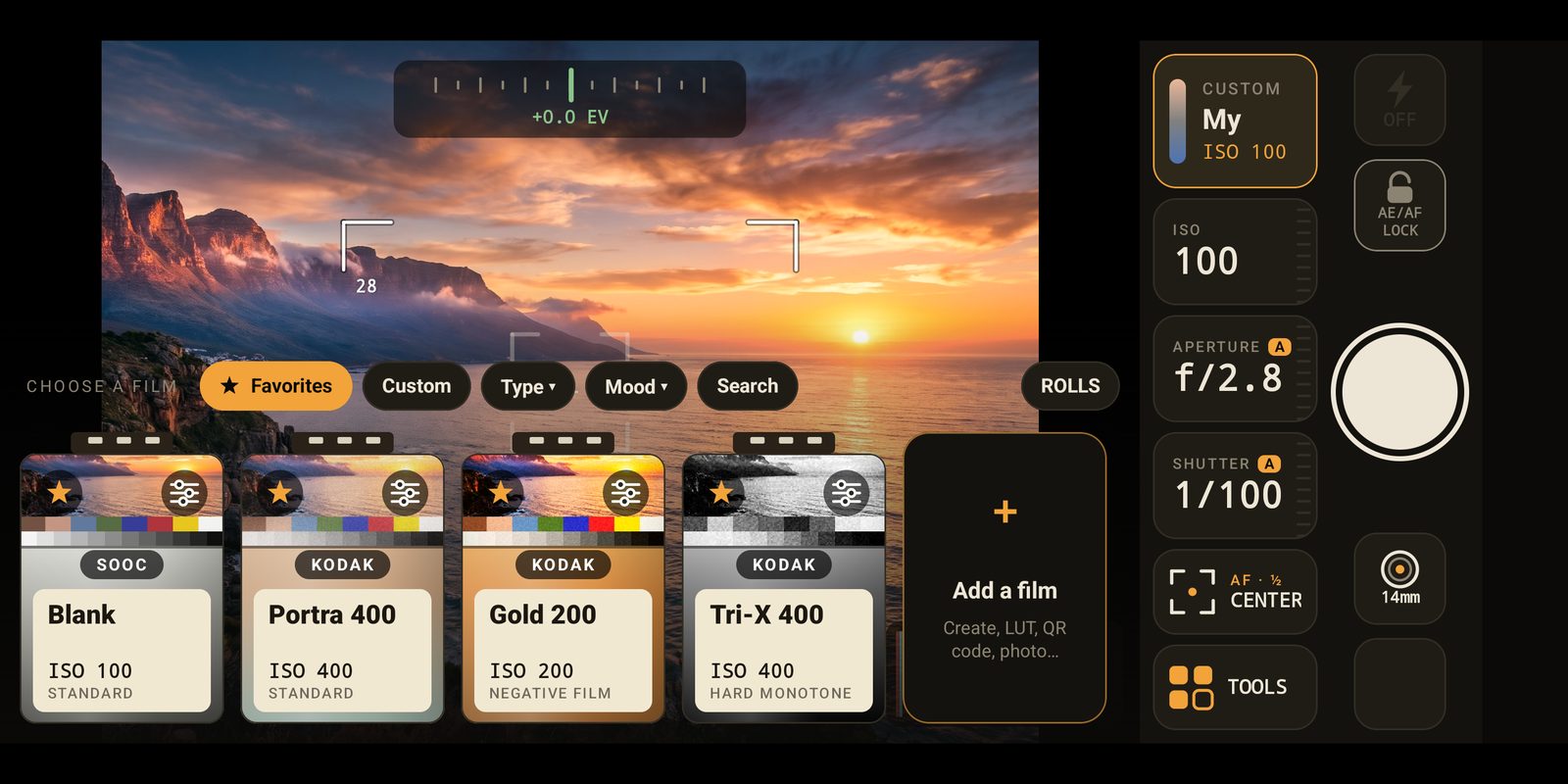
A drawer full of cartridges.
Colour negatives, vivid slides, cinema stock, black & white — nearly 200 looks, including
recipes inspired by the film-simulation community. Sort them by type or by mood (warm, cool, faded, contrasty,
portrait, landscape, night), or make your own from any .cube LUT.
Portrait 400ISO 400
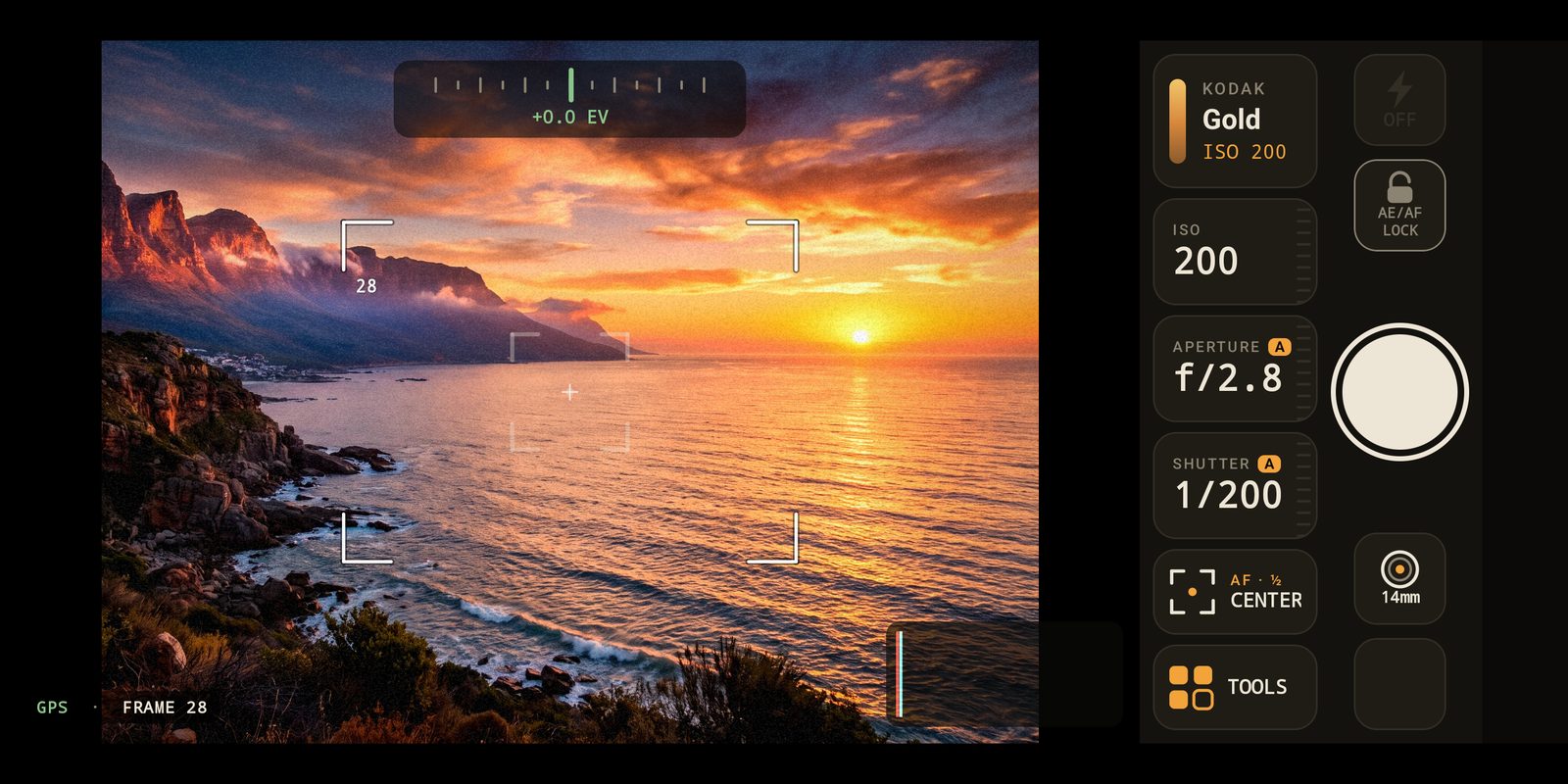
Gold 200ISO 200
Vivid 50ISO 50
Teal NegativeISO 400
Cinema 800TISO 800
Mono 400ISO 400
Features
Made for people who like the ritual.
Rolls of 12, 24 or 36
Load a roll and it’s engaged: one film, a limited number of frames, a counter that goes down. Switch to normal mode any time.
Contact sheets & re-development
Every negative is kept. Re-develop a whole roll with another film and save the contact sheet as an image.
Your own films
A film editor with white balance, hue, high/low key, tone, color tone, curves and grain — or start from a .cube LUT.
Photographer’s notebook & map
Add a caption, a place and a note to each frame, search them later, and see your roll on a map when GEOTAG is on.
Real long exposures
Up to 15 seconds, stacked from many frames, with a gentle warning when your hands shake.
Depth of field & effects
Background blur driven by the aperture, halation, diffusion, dust, light leaks, date stamp and film-strip frames.
Share films with a QR code
Send a film to a friend as a QR card and import it by scanning it with the camera.
Bluetooth remote
Pair a grip or remote, teach the app its buttons: shutter, zoom wheel and two shortcuts.
Cloud backup
Your films, safe and portable.
Create a free account in the app with your e-mail and a password, then back up your custom films and whole rolls — negatives and photos included — and restore them on a new phone. Entirely optional, and nothing is sent unless you ask.
More cloud space
Room for every roll you shoot.
Every account starts with 10 free roll places in the cloud. Need more? Add places from the app: one payment, no subscription, and they never expire. Buy as many packs as you like.
Available in the app: Cloud › My rolls › Get more space. Paid through Google Play with your usual payment method. A place holds one whole roll — negatives, photos, notes and developments.
FAQ
Questions, answered.
Is Sooc a film camera app for Android?
Yes. Sooc replaces your camera app with a simulated film camera: you load a roll of 12, 24 or 36 frames, set ISO, aperture and shutter speed, and every photo is developed with the look of the film you chose.
Does Sooc really control my phone’s sensor?
No. Your phone keeps its auto-exposure; Sooc reads the light of the scene and simulates ISO, aperture and shutter on top. Long exposures, however, are real: many frames are stacked.
Does it work in portrait?
The interface is landscape only, like a camera body. Photos still follow how you hold the phone.
Can I use my own LUTs?
Yes. Import a .cube file (or a .zip of them) and edit it like any other film, or build a film from scratch in the film editor.
Do I need an account?
No. The app works fully offline. An account is only used for the optional cloud backup of your films and rolls.
How do extra roll places work?
You get 10 places for free. Packs of 20, 50 or 100 places are a one-time purchase in the app (through Google Play), added to your account for good and stackable. Deleting a roll from the cloud frees its place.
Where are my photos saved?
In your gallery, in Pictures/Sooc. Photos never leave your phone unless you share them or choose to upload a roll to your cloud account.
Does Sooc record my location?
Only if you turn on GEOTAG, which is off by default. The position is then written in the photo’s metadata and used to fill in the place of your notebook and the map of your roll.
Another question? Write to us.
Load your first roll.
Nothing to configure: pick a film and shoot.
COMING SOON ONGoogle Play